
All kinds of useful things live in the right and left sidebars in the Learning Center. You just have to open them to see.
Drawers are closeable sidebars in the layout of the Learning Center. They work well for any size screen, mobile, small, or large. The right drawer holds all kinds of useful information that changes depending on where you are in the Learning Center. Here's a short list:
- The current time and comparing it to your device's time (handy for knowing when class or a webinar will happen)
- Upcoming calendar
- Expiration of your study tool or continuing ed package access
- Question navigation when you are in a quiz or exam
The left drawer pertains to quick navigation inside a course, webinar, tool. It makes it very easy to find a resource or activity and navigate to it.
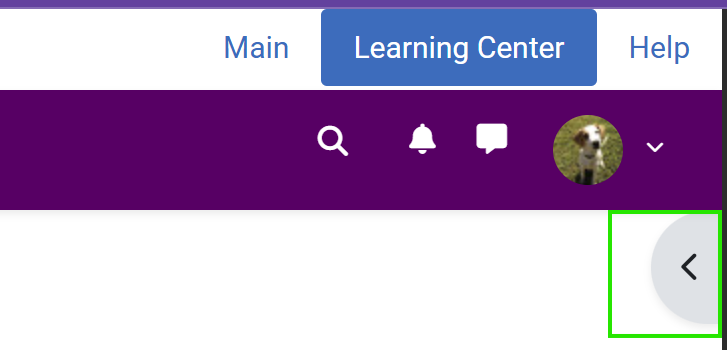
To open a drawer: Find the "handle" button on left or right side of the screen and click/tap it. (The right one is outlined in green below.)
. 
One navigation element which can be really handy during a quiz is the quiz navigation. To find out more, please visit How do I take quizzes?
